
# Shopify Product Pricing Calculator: Show Dynamic Prices Based on Size, Weight, or Options
“A Shopify product pricing calculator is a tool that allows customers to input their specifications and see an accurate
Shopify’s built-in pricing doesn’t handle this natively. That’s where a Shopify product pricing calculator comes in — a tool that lets customers input their specifications and see an accurate price update live on the product page, before they add to cart.
This guide explains what a dynamic product pricing calculator does, who needs one, and exactly how to set one up on your Shopify store.
What Is a Shopify Product Pricing Calculator?
A Shopify product pricing calculator is a widget on your product page that calculates and displays a real-time price based on customer inputs. Instead of showing a single fixed price, customers enter their requirements — dimensions, quantities, options, materials — and the price updates instantly.
This is different from Shopify’s built-in product pricing, which only supports:
- Fixed prices per variant
- Simple discounts or percentage markups
A product pricing calculator supports formula-based pricing, where the final price is calculated from a combination of inputs. For example:
Price = Width × Height × $0.15/sq inch(for custom banners)Price = Weight × $2.50/kg + $10 setup fee(for custom metal parts)Price = Length × $8/meter + engraving surcharge(for custom trim or fabric)
Who Needs a Dynamic Product Pricing Calculator?
If any of the following describes your Shopify store, a pricing calculator is not optional — it’s essential:
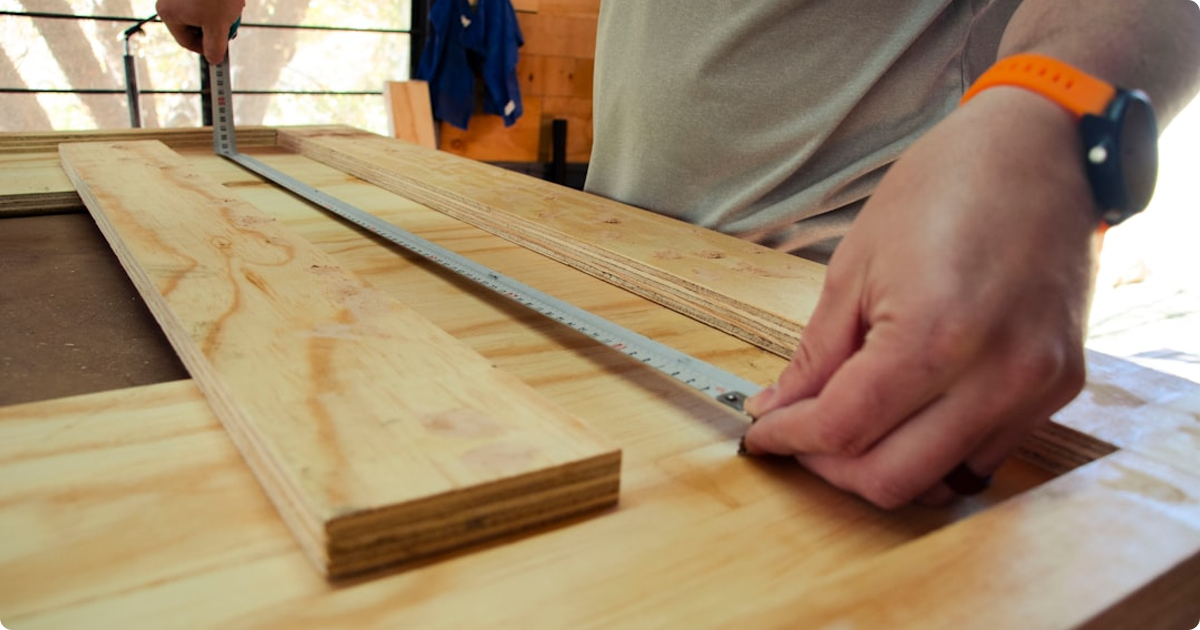
Custom-size products: Blinds, curtains, wallpaper, flooring, glass splashbacks, signage, foam, fabric, timber. Any product sold by area, length, or dimension.
Made-to-order or personalized items: Products where engraving, printing, color selection, or material choice affects the price.
Services or installation: Merchants who bundle installation or finishing with products and need to add a calculated labor component.
B2B or wholesale stores: Merchants with tiered pricing based on quantity or customer group.
Food or consumables by weight: Custom chocolate boxes, bulk spices, cheese — anything sold by grams or kilograms.
Without a pricing calculator, these merchants either lose the sale (customer can’t figure out the price) or waste time on manual quote requests.
How to Set Up a Product Pricing Calculator on Shopify
Here’s a step-by-step walkthrough using Apippa – Custom Price Calculator, a Shopify app built specifically for dynamic product pricing.
Step 1: Install the App
Search for Apippa in the Shopify App Store and install it. The app works with any Shopify theme and requires no coding. Once installed, it adds a calculator block you can embed directly on product pages using Shopify’s theme editor.
Step 2: Identify Which Products Need Dynamic Pricing
Not every product in your store needs a calculator. Start with your highest-volume custom products — the ones where customers most often ask “how much will this cost?” or where you get the most quote requests.
Go to your Shopify admin, look at your support tickets or contact form submissions over the last 30 days, and flag the products that come up most often.
Step 3: Define Your Pricing Formula
This is the core of the setup. You need to translate your pricing logic into a formula. For most merchants, this is straightforward:
- Fabric seller:
Price = (Width in meters) × (Length in meters) × (Price per sqm) - Sign maker:
Price = (Width in inches) × (Height in inches) × (Rate per sq inch) + Setup fee - Custom framer:
Price = (Perimeter in cm) × (Price per cm) + Mat + Glass options
In Apippa, you create fields for each input (width, height, material, etc.) and write the formula using those field names. The app handles the math and updates the price in real time as customers type.
Step 4: Add Input Fields to the Product Page
Apippa lets you add different field types:
- Number fields — for dimensions, quantities, counts
- Dropdown selects — for material, color, or finish options that change price
- Checkboxes — for add-ons like rush delivery, engraving, or gift wrapping
- Text fields — for personalization (name, message) that may add a flat fee
For each field, you can set minimum and maximum values, labels, and unit descriptions (e.g., “Width in cm”). This gives customers clear guidance on what to enter.
Step 5: Set Min/Max Prices and Rounding Rules
Most merchants want to avoid edge cases: a customer entering 0 dimensions, or an order so small it’s not worth fulfilling. In Apippa, you can set:
- Minimum order value — so the price never drops below your floor
- Maximum dimensions — so customers can’t order beyond what you can fulfill
- Price rounding — round up to the nearest dollar, 50 cents, or any increment
This prevents order errors and protects your margins without manual review.
Step 6: Preview and Test Before Going Live
Before enabling the calculator on your live store, use Apippa’s preview mode to test different input combinations. Check that:
- The formula calculates correctly for typical orders
- Edge cases (minimum dimensions, maximum quantities) are handled
- The price display is clear and updates instantly
- The add-to-cart button works and passes the correct price through to checkout
Test it on mobile too — a significant portion of Shopify purchases happen on phones, and your calculator needs to be usable on a small screen.
Step 7: Enable on the Product Page
Once you’re satisfied, publish the calculator. In Shopify’s theme editor, the Apippa block appears where you placed it on the product page — typically between the product description and the add-to-cart button.
You can enable it on as many products as you need, each with their own formula and field setup.
What Happens at Checkout?
One common concern: when the price is calculated dynamically, how does it pass through to Shopify checkout?
Apippa handles this correctly. When a customer clicks Add to Cart, the app sends the calculated price to Shopify as a draft order line item. The customer sees the accurate price in their cart, and it matches what they configured on the product page.
The order in your Shopify admin also shows the configured options (dimensions, materials, etc.) as line item properties, so you know exactly what to produce.

The Business Case: Why This Matters
A pricing calculator doesn’t just improve customer experience — it directly affects revenue.
Fewer abandoned carts. When customers can see the price before adding to cart, they’re not guessing. That uncertainty is a major cause of abandonment for custom product stores.
Fewer quote requests. Every “can you give me a price for X?” email or chat is a conversion you almost lost. A pricing calculator handles these automatically, 24/7.
Higher average order value. When customers can see exactly how price scales with size or quantity, they often order more — because the calculation is transparent and they can optimize their order confidently.
More professional storefront. A store that shows accurate live pricing for custom products looks like a real business. It builds trust before checkout.
Common Mistakes to Avoid
Hiding the calculator below the fold. Place it directly after the product description, before the add-to-cart button. Customers need to see it early in their decision process.
Too many fields. Every extra input field creates friction. If your pricing formula has 8 variables, ask yourself which 3 really matter. Keep it simple.
No clear labels or units. If you’re asking for dimensions, always specify the unit (cm, inches, meters). Ambiguity leads to wrong orders and returns.
Not setting a minimum price. Without a floor, a customer entering tiny dimensions could technically order at a loss. Always set a minimum.
Getting Started
If you sell custom or variable-priced products on Shopify and you’re still handling pricing manually — via quote requests, email, or DM — a product pricing calculator will transform how your store operates.
Apippa – Custom Price Calculator is built for exactly this use case. It’s no-code, works with any Shopify theme, and takes about 30 minutes to set up for your first product.
Start showing accurate, real-time prices to your customers today.
Ready to set up dynamic pricing on your store?
Add Apippa to Your Shopify Store — It’s Free →
Free to install · No coding required · Works with any Shopify theme
Frequently Asked Questions
Q: Does Shopify offer a native product pricing calculator for dynamic prices? A: No, Shopify’s core platform does not include a built-in feature for dynamic product pricing based on custom inputs like size or weight. You will need to use a third-party app from the Shopify App Store to achieve this functionality.
Q: Can a dynamic pricing calculator handle complex formulas for custom products? A: Absolutely. These calculators are specifically designed to manage intricate pricing logic, allowing you to set up formulas based on various product options, dimensions, or user-selected attributes. For example, the Apippa Custom Price Calculator lets you define detailed rules for your unique products.
Q: How does the calculated dynamic price transfer to the Shopify cart and checkout? A: When a customer configures their product and the price is calculated, the app ensures this final price is correctly passed to the Shopify cart. This means the accurate, dynamically generated price will be reflected throughout the checkout process.
Q: Can I use a dynamic pricing calculator to offer tiered pricing or bulk discounts? A: Yes, many advanced product pricing calculators support tiered pricing and bulk discount rules. You can often configure different price points or percentage discounts based on quantity ranges or specific option selections.
Q: What kind of custom products benefit most from a Shopify product pricing calculator? A: Products where the final price depends on customer input, such as custom-sized furniture, personalized prints, made-to-order apparel, or services priced by scope, are ideal. It helps provide instant, accurate quotes without manual intervention.